Level up!
What is Argon?
Argon is a plugin for Unity that lets you configure Unity game objects from within Blender.
Argon is comprised of two parts:
- a Blender addon that exports FBX files marked up with custom properties
- a Unity plugin that imports those files and applies those properties as Unity components.
The import script sets up connections between components as needed.
Make anything clickable
Argon’s Interaction Handlers make it easy to design clickable objects. Just add an Interaction Handler property to any object that has geometry
and connect a command to define what happens in response.
Commands embody a wide variety of actions: for example playing an animation or showing a UI overlay, shaking the camera, or any combination of these.
Of course, you can also just generate an event that you can handle in your own code.
.
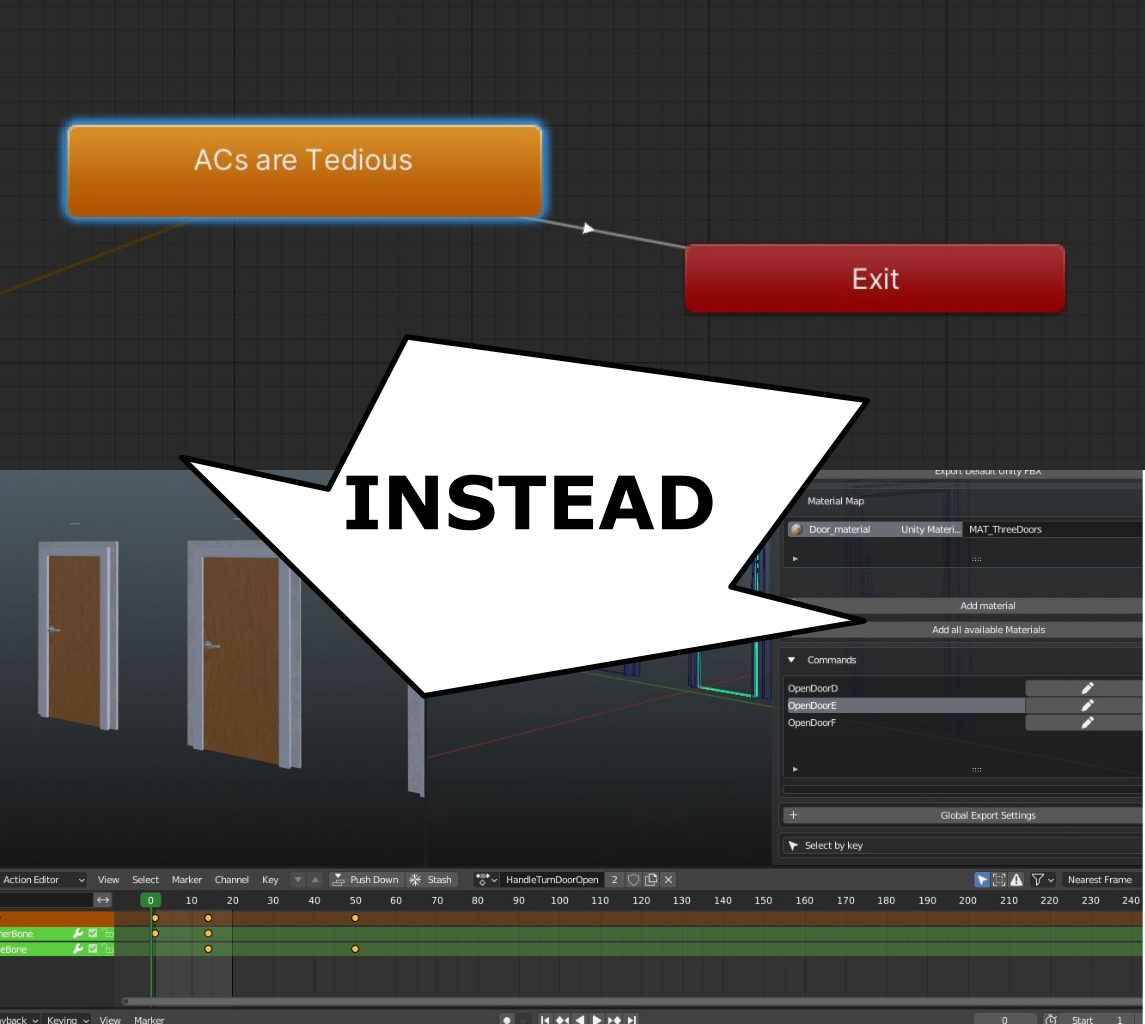
No need for Animator Controllers
Setting up Animator Controllers for simple animated objects takes too much time.
Argon lets you import Blender Actions as Playables and makes it easy to start and stop play and add audio based on in game events. All within Blender; with no code required.
If you do need to address Playables from your code, each Playable comes with a wrapper class that exposes a convenient API.
Level Design
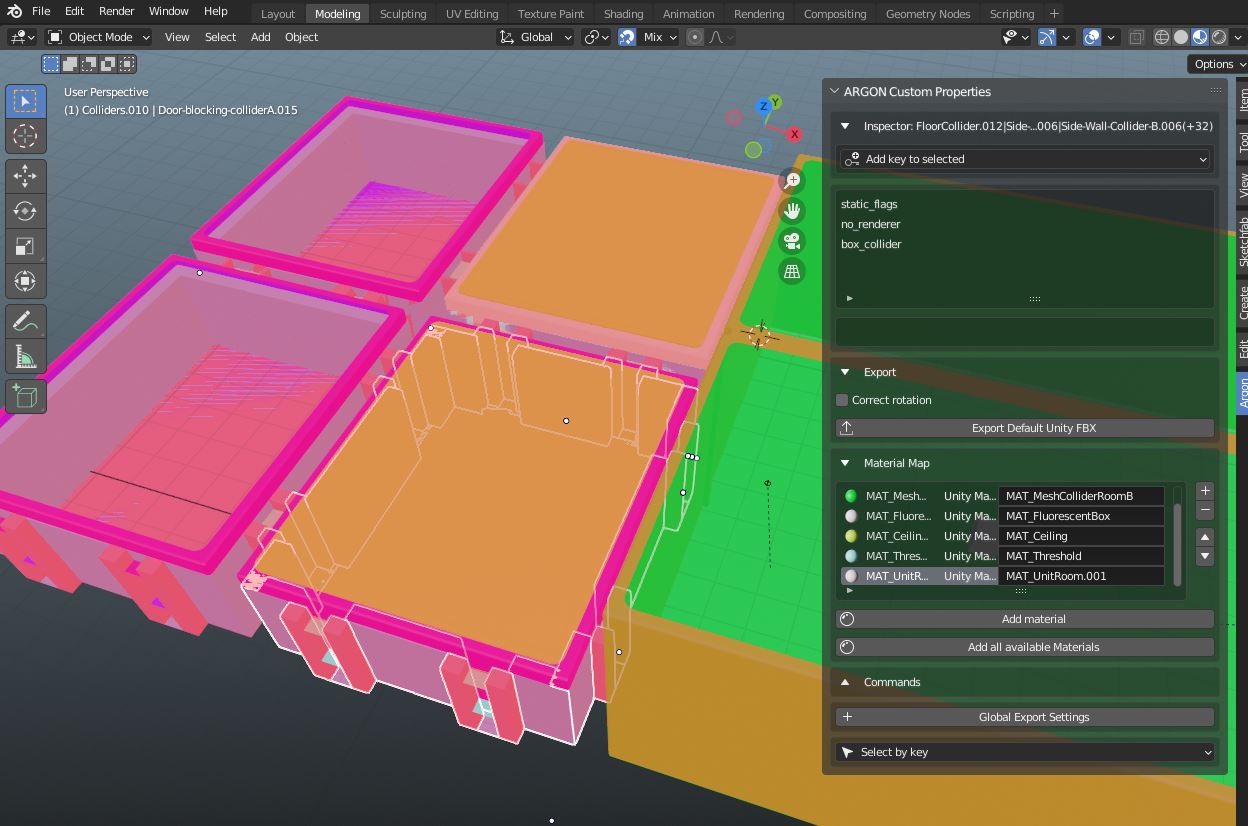
Argon makes level design easy. You can apply Box Colliders or Mesh Colliders to objects in Blender, and specify each object’s static flags, tag and physics layer. Use Argon’s ‘No Renderer’ property, if an object is just a collider and shouldn’t be visible in game.

There’s so much more!
Argon is a plugin for Unity that lets you configure Unity game objects from within Blender. Argon is comprised of two parts: A Blender addon that exports FBX files marked up with custom properties. A Unity plugin that imports those files and applies those properties as Unity components.
Friends:
Unity
Duks Games